
Description
Looking to learn how to create a professional WordPress website? Even with little or no coding or web design experience?
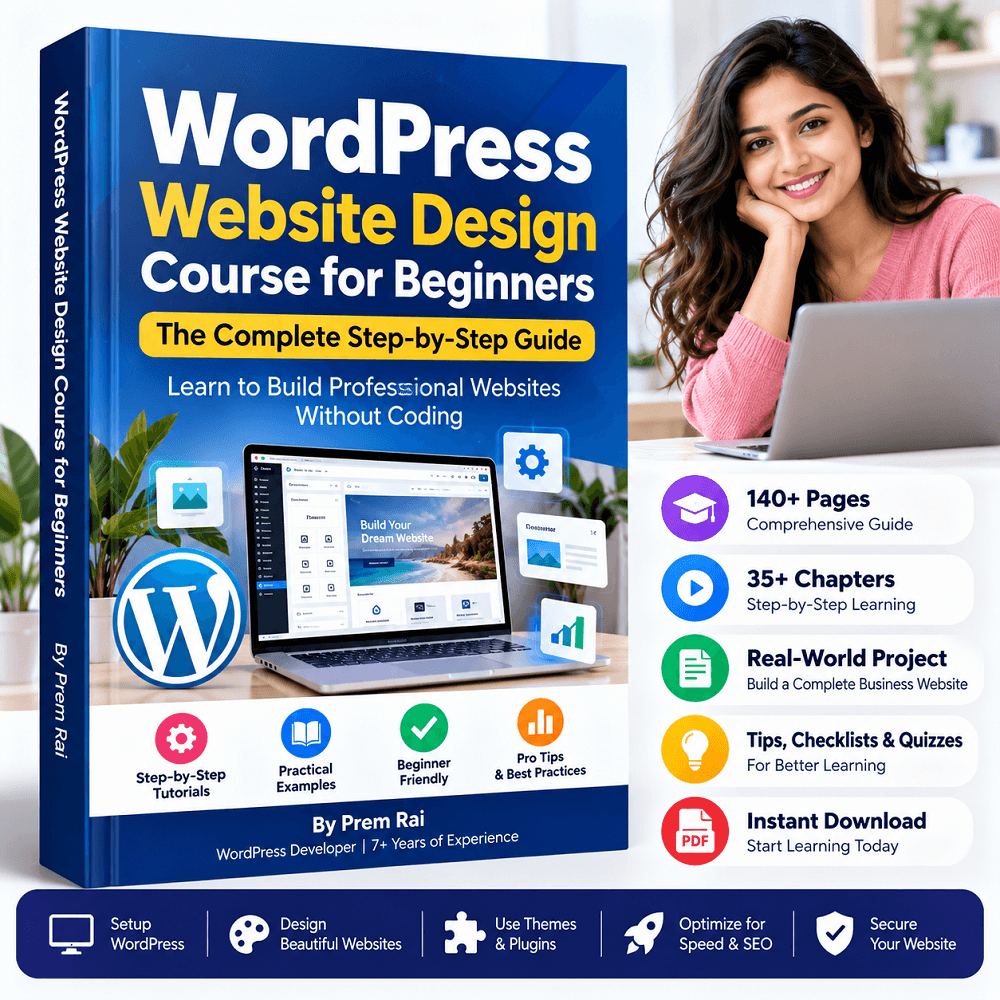
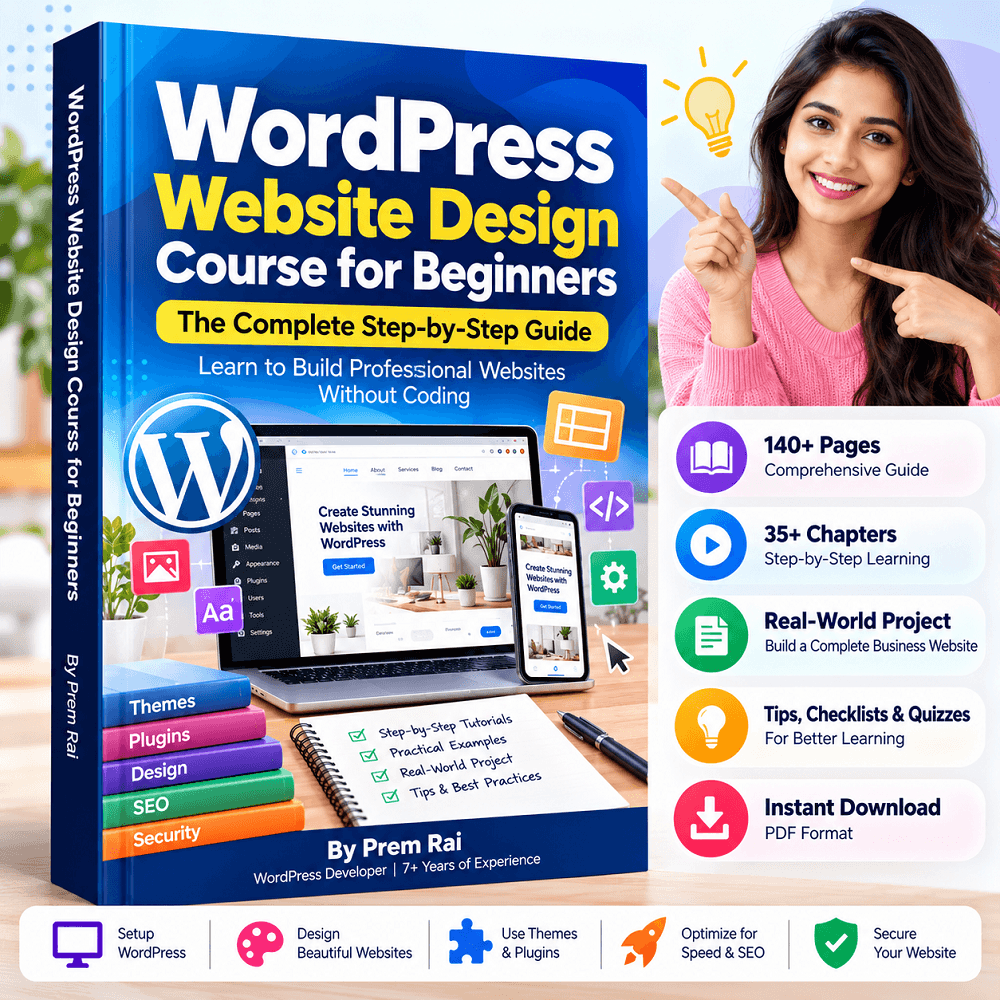
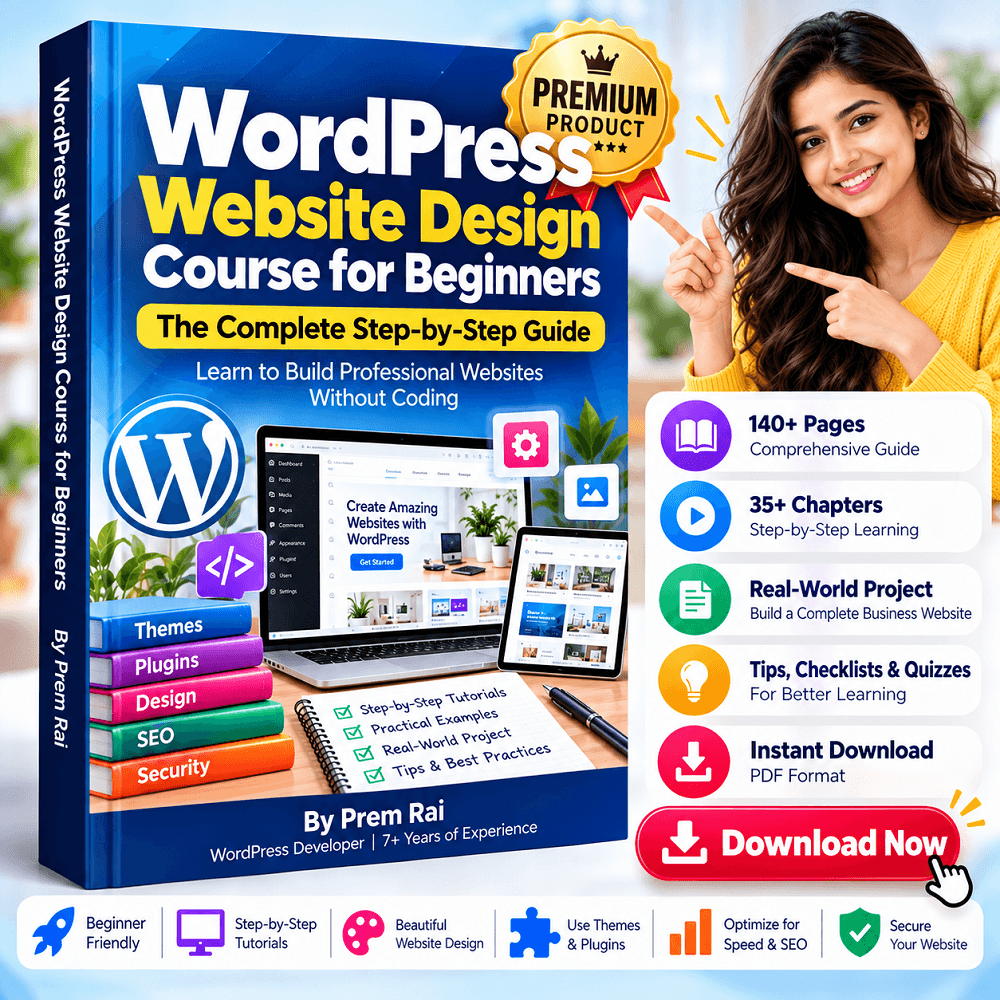
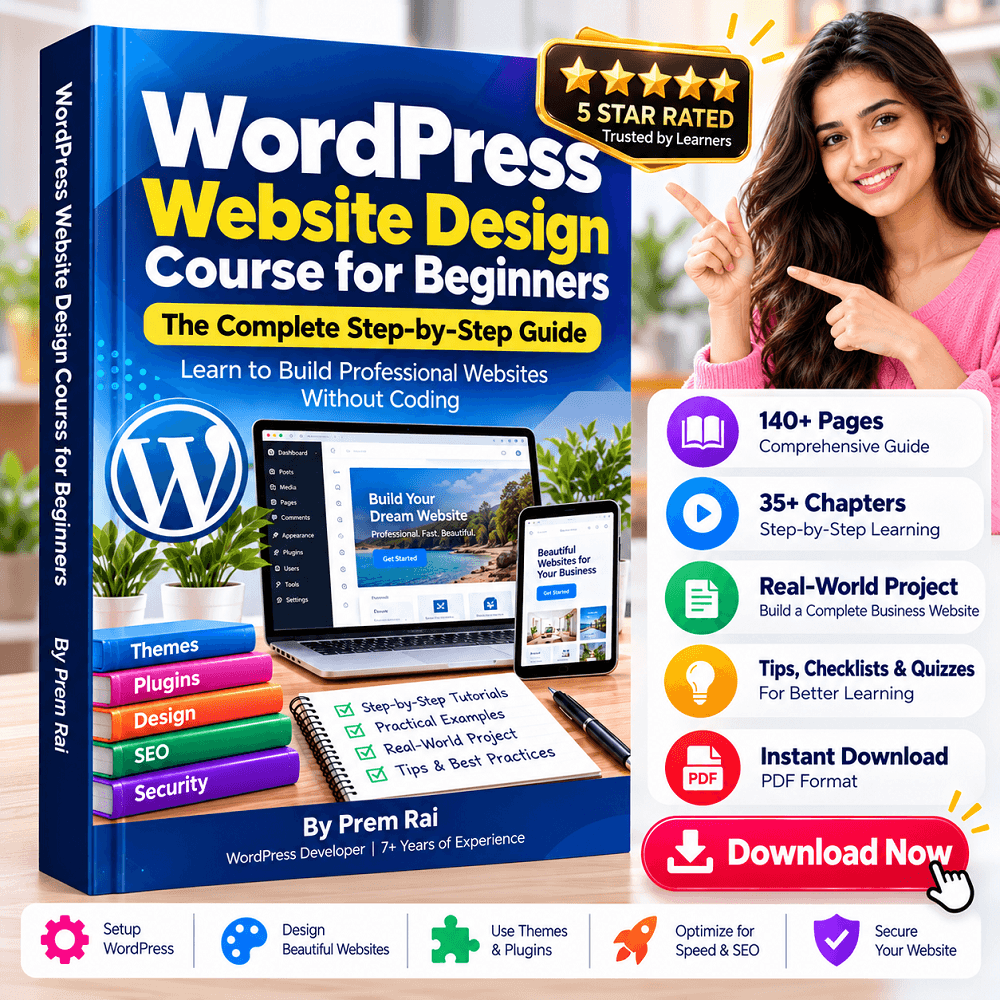
WordPress Website Design Course for Beginners is a complete step-by-step guide that teaches you everything you need to know about creating, designing, optimizing, securing, and launching a WordPress website.
Whether you are a complete beginner, student, freelancer, small-business owner, or aspiring web designer, this book provides you with all the knowledge and practical steps you need to confidently create a WordPress website.
📘 What You’ll Learn
With this ultimate WordPress guide, you’ll learn:
✓ Understand how WordPress and websites work
✓ Choose the right domain name and hosting
✓ Install and configure WordPress
✓ Understand the WordPress Dashboard
✓ Configure essential WordPress settings
✓ Choose, install, and customize themes
✓ Create professional website pages
✓ Design an effective homepage
✓ Use the Gutenberg Block Editor
✓ Work with WordPress blocks
✓ Create navigation menus
✓ Manage your Media Library
✓ Optimize images for better website performance
✓ Choose and manage fonts
✓ Create mobile-responsive websites
✓ Install and configure essential plugins
✓ Add contact forms
✓ Understand the basics of WordPress SEO
✓ Apply on-page SEO techniques
✓ Improve WordPress website speed
✓ Understand WordPress security basics
✓ Set up website backups
✓ Build a real-world WordPress website
✓ Complete a pre-launch checklist
✓ Troubleshoot common WordPress problems
🎯 Who This Ebook Is For
This WordPress course is for:
Beginners: To learn how to create a WordPress website from scratch. You do not need any coding or web design experience to follow this guide.
Small-Business Owners: To learn how to create a website for your business.
Freelancers: To acquire knowledge on how to create WordPress sites and make money online.
Digital Marketers: To understand how the WordPress ecosystem works.
Students: To gain practical website design and development skills.
Anyone interested in learning website design and development using WordPress.
🚀 Few Glimpses of Inside This eBook


🚀 From Absolute Beginner To Website Creator
This course is perfect for absolute beginners who want to learn how to create a professional-looking WordPress website.
You do not need any coding or web-designing experience. The course is designed in a way that takes you through a practical learning path of:
Domain & Hosting → WordPress Installation → Website Setup → Theme → Pages → Design → Plugins → SEO → Speed → Security → Backup → Launch
By the time you finish this guide, you will understand how a website is created from start to finish.
💡 5 Reasons To Get This Course
✔ Beginner-friendly explanations
✔ Step-by-step learning approach
✔ Practical WordPress guidance
✔ No advanced coding knowledge required
✔ Covers website design and essential WordPress management
✔ Learn at your own pace
✔ Useful for personal, business, and freelance projects
✔ Suitable for beginners starting their WordPress journey
📚 What’s In This Course?
WordPress Website Design Course for Beginners
Format: Digital Ebook
Length: 140+ pages
Level: Beginner
Delivery: Digital download after successful purchase
🎁 Bonus Resources Included
To help you get the most out of learning WordPress, this ebook comes with 6 bonus resources to help you plan, develop, launch, and maintain professional-quality websites with confidence.
Bonus 1: WordPress Shortcuts
Learn keyboard shortcuts for WordPress to make working in WordPress faster and easier. You’ll be able to quickly perform common editing and content-management tasks in WordPress without using your mouse.
Bonus 2: Planning a Website Worksheet
This website planning worksheet will help you organize your plans for a new WordPress website. Gather all the information that you need to know about your website and its content, audience, and features.
Bonus 3: Client Website Needs Questionnaire
Use this printable client website questionnaire to help you understand your client’s needs and gather the information that you’ll need for their website project. You can use it to ask about their busines, audience, brand, content, features, and more.
Bonus 4: Website Launch Checklist
Keep track of everything that you need to do and double-check that everything is working well when you’re getting ready to launch a new website or redesign an existing website.
Bonus 5: Website Content Checklist
Review the important content that is needed on your website with this website content checklist. It will help you organize information about what you want to say on each page of your website and help you remember to add important content such as contact information, calls-to-action, services, and more.
Bonus 6: WordPress Maintenance Checklist
Learn what you should do to keep your WordPress website running smoothly after it’s launched.
Make Learning WordPress More Practical
With these bonus resources, you can go from learning how to use WordPress to confidently planning, launching, and maintaining websites with WordPress.
👨💻 About The Instructor
My name is Prem Rai, and I am a WordPress developer with over 7+ years of industry experience. Over the past years, I have built and managed over 300+ WordPress sites for my clients.
I created this course so that my fellow beginners can easily grasp essential concepts involved in creating a website.
🎁 Start Learning WordPress Today
Stop being a WordPress beginner and start creating beautiful websites with ease.
Whether you are looking to create a site for your business, blog, or portfolio, or you want to bid farewell to your WordPress freelancing career, this guide has you covered.
Get the WordPress Website Design Course For Beginners and start learning WordPress from scratch today.
Frequently Asked Questions
1. What is the WordPress Website Design Course for Beginners?
WordPress Website Design Course for Beginners is a step-by-step course that guides a complete beginner through the process of learning how to design professional WordPress websites from scratch.
2. Who is this WordPress course for?
The WordPress Website Design Course is for beginners, students, freelancers, small-business owners, digital marketers, aspiring WordPress developers, and everyone else that needs to learn how to create WordPress sites.
3. Do I need coding knowledge to take this course?
No. You do not need to have coding knowledge to take this course. A WordPress Website Design Course for Beginners will help you learn the basics of WordPress website development without any prior coding experience.
4. What can I learn from the WordPress course?
From the WordPress course, you will learn how to set up the WordPress engine, install themes and plugins, build and design pages, add menus, design a homepage, work with the Gutenberg editor, optimize images, make websites responsive, speed up websites, and implement some basic aspects of SEO. You will also learn how to secure a WordPress site and back up a WordPress site. All these WordPress website design skills are perfect for developing a basic understanding of how WordPress websites work.
5. Can a total beginner take this course?
Yes. A WordPress Website Design Course for Beginners is designed for total beginners and takes a learner from zero WordPress skills all the way to being able to build a small business WordPress site.
6. Can I get the course book as a PDF?
Yes. The WordPress Website Design Course for Beginners is available as a downloadable PDF file. You can save the course book on your computer, read it on your smartphone or tablet, or view it on a computer.
7. Can I use what I learn from this course to build websites for others?
Yes. You can use the skills learned from the course to start building WordPress sites for others. Apart from the skills taught in this course, you can gain more experience by working on your own site before working on other people’s sites.
8. Does the course cover WordPress SEO and speed?
Yes. WordPress Website Design Course for Beginners covers the basics of WordPress SEO and speed. Apart from general WordPress SEO, the course also covers image SEO. When it comes to speed, we will look at how to make a website responsive and fast.
9. Does the course teach how to secure a WordPress website and back it up regularly?
Yes. WordPress Website Design Course for Beginners covers the basics of WordPress website security and back up. This way, students will be able to secure their own WordPress sites and take regular WordPress backups of their sites.
10. Can this course help me to start a freelancing career?
Yes. WordPress Website Design Course for Beginners can help you to build a good portfolio that will help you to bid for WordPress jobs as a freelancer. The course will equip a learner with the basic skills required to build a website for others. These skills can then be developed further to turn WordPress website design into a profitable freelancing career.
Rajiv Sharma –
This course is an excellent resource for anyone who wants to learn how to create and manage a WordPress website from scratch.
The content is clear, practical, and easy to follow, making it especially helpful for beginners with little or no prior WordPress experience. The step-by-step approach makes learning less overwhelming and helps readers understand the complete website-building process.
I particularly liked how the ebook focuses on practical website design concepts rather than just theory. It provides a strong foundation for anyone looking to build their own website, start learning WordPress, or develop skills for a career in website design.
Overall, this is a useful and beginner-friendly guide that I would recommend to anyone who wants to learn WordPress website design in a simple and structured way.
Highly recommended for WordPress beginners!
Neha Sharma –
Excellent guide for beginners! The ebook explains WordPress in a simple and easy-to-understand way.
Kiran Jyoti –
Very helpful and practical. I finally understand how to build a WordPress website step by step.
Navya Rawat –
A great WordPress resource! The instructions are clear, organized, and beginner-friendly.
Reshmi Kumari –
Highly recommended! This ebook provides a complete roadmap for anyone starting with WordPress.
Kunal Singh –
Easy to follow and informative. The practical tips made learning WordPress much easier.
Monika Sardar –
This WordPress Website Design Course for Beginners is one of the most useful resources I’ve found for learning WordPress. The step-by-step explanations are clear, practical, and easy to follow, even for someone with no technical background. I especially liked how the course takes you from the basics of WordPress all the way to designing and launching a website. It gave me the confidence to build my own website instead of feeling overwhelmed by technical terms. Highly recommended for anyone who wants to learn WordPress from scratch!