Hiring the right WordPress developer can make all the difference. Whether you need to build an eCommerce site, redesign your website, develop unique WordPress features, or outsource WordPress maintenance, the cheapest developer is rarely the best choice.
A professional WordPress developer should be able to understand your requirements, recommend the most effective WordPress development solutions, design a user-friendly website, optimize performance, and offer continued WordPress support.
Before outsourcing your WordPress development projects, ask the right questions to shortlist candidates and learn more about their process, skills, and WordPress expertise.
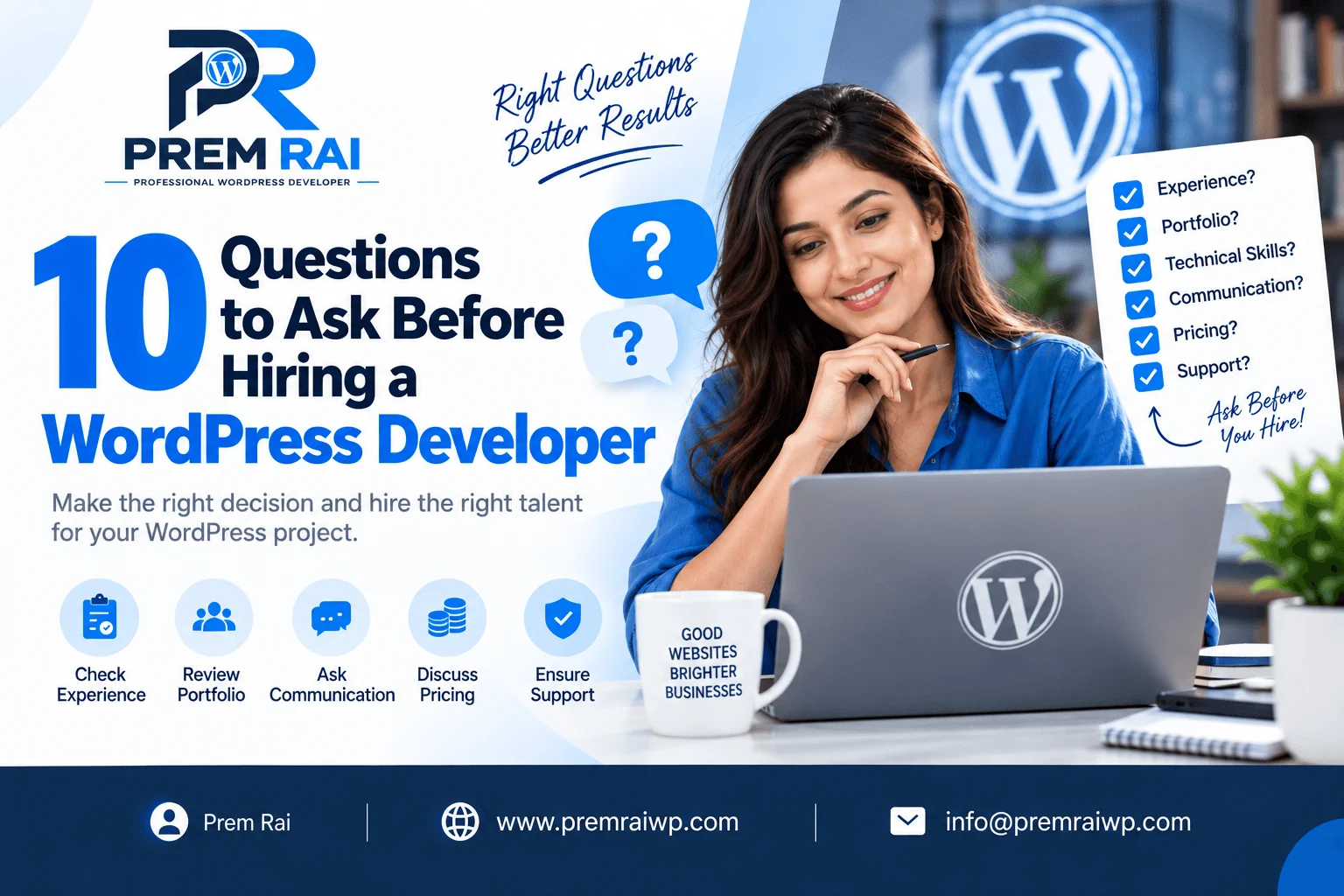
Here are 10 important questions to ask before hiring a WordPress developer.
1. How Many Years of WordPress Development Experience Do You Have?
When looking for a WordPress developer, experience should be one of the first factors you evaluate.
Ask potential developers about their experience and the types of WordPress projects they have worked on in the past. Ideally, you want to work with someone who has experience building websites in your industry.
While years of experience matter, make sure to ask about the exact tasks and WordPress development services they have performed.
For example, if you are looking for a custom WordPress website development service, ask if they have experience with custom WordPress themes, custom plugins, APIs, WooCommerce, WordPress migrations, performance optimization, and responsive design WordPress development.
Prem Rai is a WordPress development expert with 7+ years of WordPress development experience and has worked on 300+ WordPress projects for clients in different industries.
2. Can You Show Me Your Previous WordPress Projects?
A strong portfolio can tell you a lot about a WordPress developer’s skill. In many cases, a portfolio is a better indicator of expertise than a resume.
Ask to review a list of sites the developer has worked on in the past. Ask to see examples of their recent work and major projects they have delivered.
When reviewing a WordPress developer’s portfolio, make sure to pay attention to the following:
- Mobile responsiveness
- Navigation
- Performance
- Layout and design
- Calls-to-action
- User experience
Whether the site appears to be customized or WordPress theme-based
You can also ask the developer what their role was in the project. This will give you an indication of their expertise (e.g. design, development, theme customization, plugins, etc.)
3. Will You Build a Custom WordPress Website or Use a Pre-Built Theme?
The type of website you need depends on your requirements, budget, and goals.
Some businesses can be built using an existing WordPress theme with custom modifications, while others may require a custom WordPress theme or a custom WordPress solution.
Ask the developer for their recommendations and explain your requirements and budget. A reliable WordPress developer should be able to advise you on the best approach for your particular case.
WordPress developers should be able to explain the trade-offs between using a pre-built theme and developing a custom WordPress theme. Likewise, they should be able to explain how they will approach WordPress customization, WordPress page builder usage, and any additional WordPress plugins required for the project.
The development approach should align with your particular set of requirements and budget.
4. How Will You Make My Website Mobile Responsive?
In 2023, more than 50% of website traffic will come from mobile devices.
A responsive design is a must if you want to provide a positive user experience and avoid losing sales. Ideally, your website should be mobile-friendly, desktop-friendly, and tablet-friendly.
Ask the developer how they would approach mobile responsiveness in WordPress.
A professional WordPress developer will make sure that the website works correctly on different screen sizes and viewports. They will also make sure that the mobile website matches the desktop website’s layout and design.
Ask if they will test responsive design WordPress sites at different screen resolutions and browsers before launch.
The developer should also have a reliable solution for mobile navigation, images, buttons, spacing, typography, and other elements.
5. How Will You Optimize the Website for Speed and Performance?
In some cases, a beautiful website can load slowly and provide a poor user experience. Poor performance can also hurt your SEO, WordPress caching, and server performance.
Ask the WordPress developer about their optimization and performance tuning process.
Depending on the website’s requirements, optimization may involve image compression, caching, database optimization, CSS and JavaScript compression, CDNs, hosting optimization, font optimization, plugin optimization, lazy loading, and more.
A developer should also be able to identify performance issues and opportunities for improvement before launch.
6. Will the Website Be SEO-Friendly?
An experienced WordPress developer will know how to build an SEO-friendly WordPress website. However, it is a good idea to ask them how they will approach SEO and what WordPress-specific SEO features they will leverage.
Ask if they will implement clean URLS, responsive design, fast loading pages, proper HTML structure, optimized images, and other on-page SEO techniques WordPress allows.
You should also discuss how the website will work with your preferred SEO tools or plugins.
Keep in mind that there is a big difference between website development and SEO. A technically sound website is necessary but not sufficient for higher search rankings. SEO requires technical expertise, ongoing optimization, proper content creation, internal linking, backlinks, and local SEO.
7. What Security Measures Will You Implement?
Many businesses make the mistake of thinking about WordPress security after their website has already been hacked.
Ask the developer about the security measures they will implement as part of the development process. WordPress security best practices should be part of any project, regardless of its size or importance.
Depending on the requirements, a reliable WordPress developer will set up SSL certificates, secure hosting, WordPress updates, strong admin credentials, security plugins, regular WordPress updates, backups, limited WordPress admin access, malware scanning, and more.
Ask who will be responsible for security-related maintenance after the website launch.
8. How Will You Handle Backups and Website Recovery?
Backups and recovery procedures are an essential part of any WordPress project. They ensure that the website can be recovered in case of data loss, security issues, or technical problems.
Ask the developer about their WordPress backup and recovery procedures.
Ask what will be backed up and how often backups will be taken. Ask where backups will be stored and how the website can be recovered in case of an emergency.
WordPress backups usually involve two components: website files and the database. Both should be backed up regularly. You also want to make sure that you have access to the backup files.
Ask the developer if backup and recovery management is part of the development project or an additional service.
9. What Is Included in Your WordPress Development Pricing?
Make sure you fully understand what you are paying for.
Ask the developer for a detailed WordPress project scope description that includes all features and page types. Here are some common questions you should ask:
- How many WordPress pages are included?
- Does the scope of work mention theme customization?
- Are plugins included?
- Will you develop any custom WordPress functionality?
- Will contact forms be included?
- Does the scope of work mention eCommerce functionality?
- Will images be included?
- Will the website be SEO-optimized?
- Will the website be mobile responsive?
- Will performance be optimized?
- Will website testing and launch be included?
- Will website training be provided?
- Will you provide continued WordPress support?
Make sure to clarify if domain name registration, hosting, premium plugins, or WordPress themes are included in your developer’s pricing. Likewise, make sure to understand if any of the services are billed separately.
A clear project scope can help avoid project delays and budget overruns.
10. What Support Will You Provide After the Website Launch?
Oftentimes, website development is only the beginning of a longer-term relationship. Websites require updates, security audits, performance monitoring, and other services.
When you discuss support options with a potential developer, ask about the following:
- How long will support be provided for?
- What happens if a WordPress plugin update breaks the website?
- Are there any additional maintenance packages?
- How responsive is the support team?
- Can they make any website changes after launch?
- Do they provide training services?
Having a clear understanding of the post-development support options is critical.
Conclusion
Hiring the right WordPress developer can be challenging. The ideal candidate should understand your requirements, be a good communicator, recommend the right development approach, and build a website that serves its purpose.
Make sure to ask about the following: experience, portfolio, development process, responsive design, performance optimization, SEO, website security, backups, cost, and post-development support.
The cheapest developer is rarely the best choice, and the most expensive developer is not always the best choice. Avoid overspending on unnecessary features while also avoiding the risk of working with an unqualified developer.
If you are looking to hire a WordPress developer, Prem Rai offers WordPress website development, custom WordPress solutions, website redesign, WordPress maintenance, and other digital services. A clear understanding of your requirements can help deliver a high-quality WordPress experience. Prem Rai builds websites that are easy to use, brand-focused, and ready to scale.
FAQs
1. Why Interview a WordPress Developer Before Hiring?
Interviewing a WordPress developer helps understand their experience, expertise, communication process, WordPress development approach, and cost.
2. Should I Ask for a WordPress Developer’s Portfolio?
Yes. A portfolio gives an insight into the developer’s experience, skills, and WordPress project examples.
3. Should I Hire a WordPress Developer That Uses Pre-Built Themes?
Using a pre-built theme is not a bad option, but make sure to ask about the developer’s approach and if it aligns with your requirements.
4. What Should I Ask About WordPress Website Security?
Ask about using SSL certificates, WordPress updates, security plugins, secure hosting, backups, WordPress admin security, malware scanning, and more.
5. How Important Is Mobile Responsiveness?
It is critically important to have a mobile-responsive website because the majority of website traffic comes from mobile devices.
6. Should WordPress Development Include SEO?
A technically strong website is crucial for SEO, but additional optimization efforts are usually required.
7. What Should Be Included in a WordPress Development Proposal?
A WordPress development proposal should clearly outline the project scope, website pages, WordPress functionality, design requirements, timeline, budget, number of revisions, website testing instructions, and post-development support options.
8. Do I Need WordPress Maintenance After Launching My Website?
WordPress maintenance helps keep the CMS, themes, and plugins up to date while also providing security and performance benefits.
9. How Can I Compare Different WordPress Developers?
Compare their experience, portfolio, development approach, communication, project scope, cost, timeline, and post-development support options.
10. What Is a Good WordPress Developer?
A good WordPress developer should have technical expertise while also being a great communicator and understanding the client’s requirements. A good WordPress developer should also have strong security and performance optimization skills.
