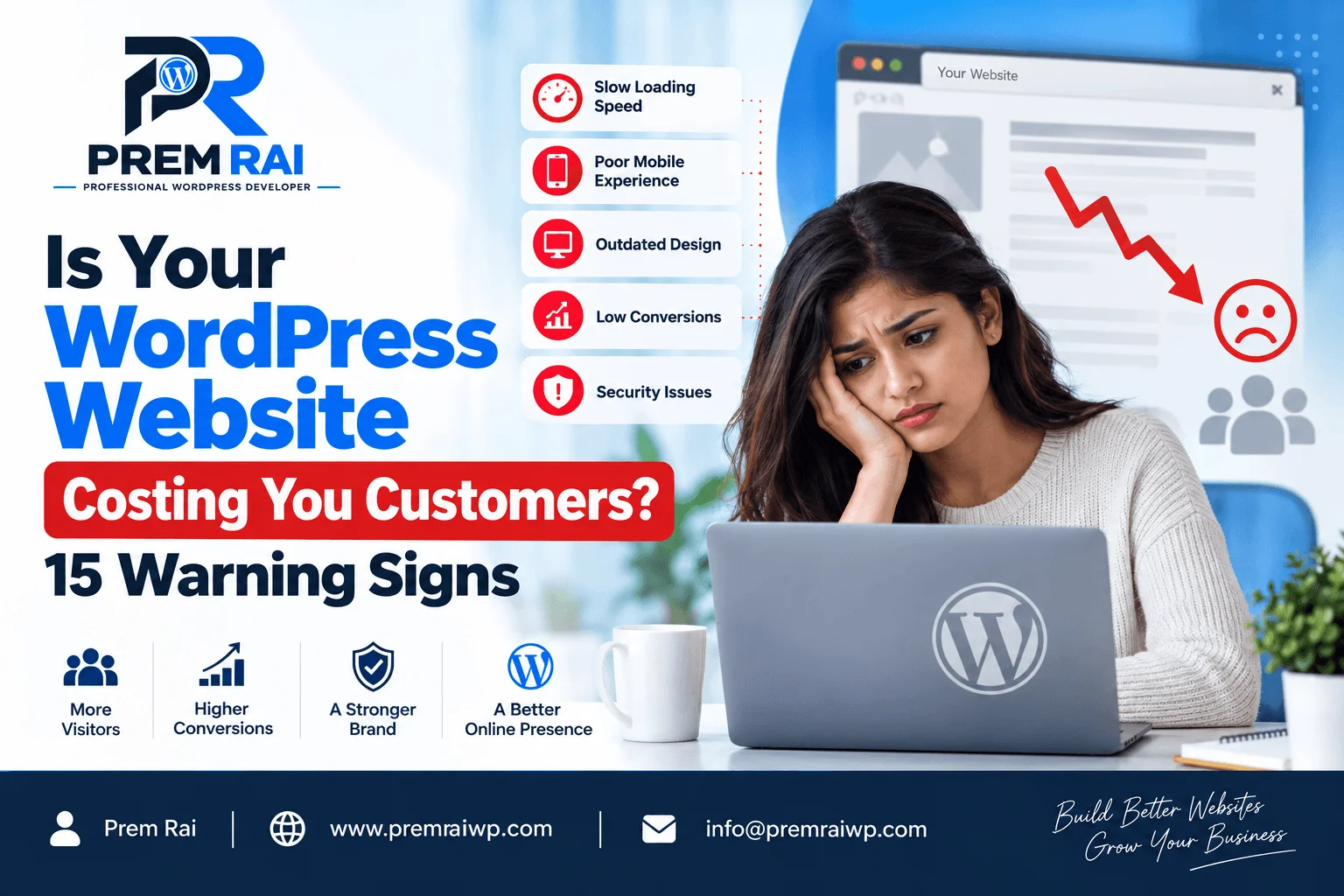
Is Your WordPress Website Costing You Customers? 15 Warning Signs
Your website should be generating interest in your brand, building credibility, capturing leads, and closing sales.
But what happens when your website is actually costing you customers?
A website can cost you customers in several ways:
- It can be slow or down
- unapproachable
- outdated
- not mobile responsive
- technically inadequate
Many people overlook this critical component of their business, as their website appears to be working correctly.
But a website doesn’t have to be nonfunctional to be failing. It must also be intuitive and easy to use for the modern visitor.
Here are 15 signs your WordPress website might be losing you customers.
1. Your Website Is Slow
No one likes to wait while a web page loads.
Large images, poor hosting, insecure themes or plugins, extra scripts, bloated code, and other issues can adversely affect your website speed and performance.
If your website’s vital pages are slow or take too long to load, you risk losing customers to competitors.
Examine your page speed regularly and identify the cause of the issue, rather than using plugins to mask the problem.
2. Your Website Isn’t Mobile Responsive
More and more customers are using their phones to browse the web.
If your website isn’t mobile responsive, you risk losing sales and leads.
Mobile users who visit your site risk seeing
- small text
- inconvenient menus
- non-clickable buttons
- large images that overflow the screen
- poorly designed pages
- complicated forms
A mobile-responsive website design can help resolve these issues.
3. Your Website’s Design Is Outdated
Your website design speaks volumes about your brand and business to your customers.
An outdated website can turn away potential customers, especially if they perceive your business as competitive or up-to-date.
- Outdated websites often include
- old graphics,
- poor typography,
- complicated layouts,
- unattractive color palettes,
- low-quality images,
- outdated navigation menus.
Updating your website design can help you establish the right impression on your customers.
4. Your Visitors Can’t Understand What You Do
Your homepage should tell your customers what you do and whom you serve.
If customers can’t immediately understand your value proposition or services, you may need to update the content on your homepage.
An effective homepage should tell customers what you do, who you help, why you matter, and what they should do after landing on the page.
5. Your Call-to-Actions (CTAs) Are Poor
Your website might have the best content in the world, but it doesn’t generate leads if your customers don’t know what to do. Effective CTAs include
- Get a Quote,
- Book a Free Consultation,
- Call Now,
- Get Started,
- Shop Now,
- Contact Us,
and similar phrases. Instead of adding CTAs only on your Contact Us page, add them on your most important pages.
6. Your Contact Forms Don’t Work
Broken contact forms can result in you losing sales leads. To avoid losing customers, test your contact forms regularly.
You should also look at how well they work and whether you get responses from your customers.
Ensure that your website forms submit correctly, confirm messages are received, and the required fields are working. Additionally, test the mobile responsiveness and spam filters on your forms.
7. Your Menus Are Confusing
Your website’s menus and navigation should help your customers find information easily.
Poorly designed menus or an abundance of confusing links can confuse your customers and turn them away.
Ensure your menus are organized in a way that is intuitive and not overwhelming.
8. Your Website Has Too Many Broken Links
Websites with broken links can harm your brand’s credibility and hurt your SEO.
Links can break for various reasons, so you should examine your navigation, service, products, contact, blog, download, and link-building pages for broken links.
A broken link checker tool can help you spot broken links on your website.
9. Your Site’s Content Is Outdated
Having outdated information on your website can frustrate your customers and deter them from working with you.
For example, your website might contain inaccurate or misleading customer reviews, testimonials, pricing, service offerings, contact information, old employee names, expired promotions, and hours of operation.
Review your website content regularly to ensure that it is relevant and up-to-date.
10. Your Website Has Too Many Pop-Ups
Pop-ups are an excellent way to engage customers and encourage them to take action.
However, you don’t want to overwhelm your customers with too many pop-ups. They also get annoyed if they see banners, notifications, subscriptions, and other annoying pop-ups before they can explore your website.
11. Your Website Doesn’t Inspire Trust
Your customers need to know that they can trust you to deliver on your promises. Trust is one of the most critical elements in the customer journey, and your website plays a vital role in building it.
You can use customer testimonials, reviews, social proof, and trust badges to inspire trust in your brand. The right trust signals will vary depending on your industry.
12. Your Website Isn’t Discoverable in Search Engines
Even the best website is useless if your customers can’t find you.
If your website isn’t appearing in organic searches, consider reviewing your website’s SEO strategy. Poor website architecture, on-page SEO, page titles, meta tags, keywords, content quality, crawling errors, page speed, internal linking structure, and mobile responsiveness can all hurt your SEO.
The technical SEO audit and website speed audit can give you insight into your website’s technical performance.
Note that SEO is more than just a website audit. Still, the technical SEO audit results for your WordPress website can identify the issues that are holding you back.
13. Your Website Has Security Issues
Security issues can compromise your website and customer data, which can damage your brand’s credibility and reputation.
Some of the security issues that can hurt your website and brand include redirection or spam pages, spammy admin emails, hacked administrator accounts, malware infection warnings, brute-force attacks, and outdated plugins. To protect your website, ensure that your WordPress core, themes, and plugins are updated. Regularly back up your site. If your website has already been hacked, you may need to invest in WordPress development to repair it.
14. Your Website Is Difficult to Manage
If your team members struggle to update the website regularly, you may have the wrong website system for your business.
A competent WordPress developer should be able to update and maintain a professional website with relative ease. If every minor change requires extensive technical knowledge, you may need to rethink your website design and management strategy.
15. Your Website Isn’t Converting Sales
One of the most apparent warning signs is when your website views increase, but your sales leads decrease. Fortunately, you can fix this issue by optimizing your website. Your analytics software can tell you what is happening on your website.
If your customers aren’t completing the desired action , visiting your contact page or calling your number, filling out your form, getting a quote, booking a consultation, shopping, or subscribing something is wrong, and you need to fix it. Not all of your website issues are related to your website. Your offers, pricing, competitors, sales team, and other factors can also affect your sales leads.
However, you should ensure that your website isn’t confusing or preventing your customers from completing a sale.
How To Determine If Your Website Is Hurting Sales
You can’t rely on your instincts when it comes to your website. You need to analyze the actual numbers. The information you need can be found in your website analytics and search engine results.
For example, you may notice that many customers view a particular page on your website, but they don’t convert. You can conclude that something is wrong with that page and fix it to improve your conversion rate.
Should I Rethink My WordPress Website?
The issues described above don’t necessarily mean that you need a new website.
Depending on the severity of the issues, you could fix them through WordPress optimization, updating your content, eliminating unnecessary plugins, improving your SEO, redesigning your website, or making your website more mobile responsive.
However, a complete WordPress rebuild might be more appropriate if your website is built on an outdated system, requires too much maintenance, has multiple conflicts, or doesn’t support future improvements.
Conclusion
Your website should be a sales generator that helps you build credibility and connect with your customers.
Several issues can make your website turn away your customers. Slow page speed, poor mobile responsiveness, an outdated design, unclear value proposition, weak CTAs, non-functioning contact forms, confusing menus, broken links, outdated content, too many pop-ups, poor trust signals, inadequate SEO, security issues, poor management, and a lack of conversion are all signs that you need to rethink your website.
While a website redesign isn’t a requirement, you should invest in website optimization and improvement if any of the issues above apply to your website. You could also ask for an expert opinion to determine the problem.
Frequently Asked Questions
1. How can I tell if my WordPress website is losing customers?
Conversion rate, exit pages, abandoned carts, poor mobile experience, page speed, and customer comments are just a few of the indicators that your website loses customers. Website analytics and A/B testing can help you identify the problem and devise a strategy to fix it.
2. Can a slow WordPress website actually cost me customers?
Yes, a slow WordPress website can turn away your customers. You can use a website speed optimization tool to test your website speed. Additionally, you might want to examine your website for other issues that might contribute to the problem.
3. How do I know if my website is mobile responsive?
You can test your website on different screen sizes and mobile devices to see if it is responsive. The mobile version of your website should not have small text, difficult navigation, unclickable buttons, large images, hidden menus, or difficult forms.
4. Why is my WordPress website getting traffic but no customers?
Getting traffic but no customers means that your website isn’t converting. There could be several reasons for this, including poor SEO, poor-quality content, landing pages that scare away customers, unclear calls to action, confusing menus, unattractive pricing, and poor offers. You can analyze your website analytics to determine the issue.
5. How often should I update my WordPress website?
There is no set schedule for how often you should update your website content. You should evaluate your website to ensure that all information is up-to-date and relevant. Additionally, you should update your plugins, WordPress core, and themes on a regular basis.
6. Can I fix my WordPress website without rebuilding it?
Yes, you can fix many issues with WordPress optimization, content updates, calls to action, and website redesign. A competent WordPress developer can advise you on the most appropriate course of action based on a technical audit of your website.
7. What makes a WordPress website trustworthy?
Your website’s trustworthiness depends on several things, including what it says about your business, its overall design and feel, customer testimonials, reviews, trust badges, contact information, security, and credibility.
8. How can I improve conversions on my WordPress website?
Improving conversions on your WordPress website starts with understanding what you offer and who you serve. From there, you can optimize your website copy and calls to action, add trust badges and customer reviews, improve your website speed, invest in WordPress development to make your website more mobile responsive, and analyze your website analytics.
9. Can poor SEO hurt my sales?
Yes, poor SEO can adversely affect your sales by reducing the number of customers who visit your website. A competent WordPress developer can advise you on the most appropriate SEO strategy for your website.
10. When should I hire a WordPress developer to fix my website?
You should consider WordPress development for your business if you have technical issues with your website or if you need help with WordPress optimization, redesign, or security. You may also benefit from their expertise if your website isn’t converting or is slow or if you have difficulty updating your website.
