
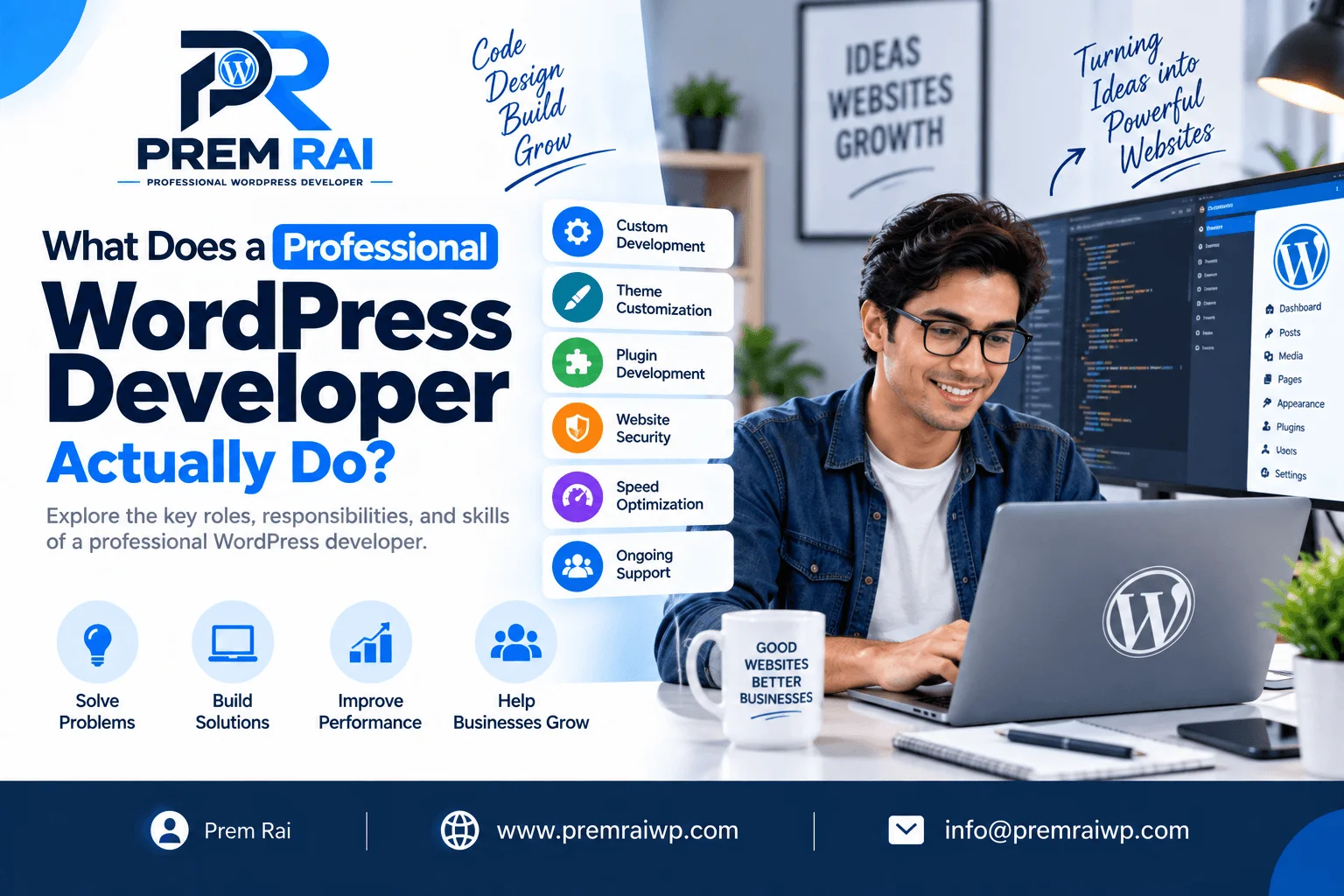

When people hear the term WordPress developer, there’s a common set of assumptions about what that role consists of. Many believe a WordPress developer simply installs WordPress, selects a theme, installs a few plugins, and launches the website. In reality, however, there is significantly more to the job description of a professional WordPress developer than the average person realizes.
A professional WordPress developer utilizes a combination of technical expertise plus website design, development, and problem-solving skills to deliver functional, secure, fast, responsive, and easy-to-maintain websites.
Whether you’re looking to get a new business website, build an eCommerce store, create a custom WordPress solution, or improve your current website, here is a list of what a professional WordPress developer can do for you:
1. Understands Business Requirements
The development of a website always starts with an understanding of what the website should be able to accomplish.
A developer should be able to analyze your business needs, learn about your audience, services or products, competitors, required functionality, and long-term goals.
For instance, a website for a local service business will have different requirements than an online store selling products. The former will likely be more focused on driving phone calls and generating leads, while the latter will be more focused on inventory management, order processing, and payment collection.
A professional WordPress developer will be able to take the high-level business requirements and transform them into technical requirements for the website.
2. Plans the Website Structure
A WordPress developer can assist with planning out what the website should look like.
This may consist of:
- Developing website pages
- Planning the navigation and categories
- Developing content structure
- Planning the URL structure
- Designing user journeys
- Creating calls-to-action
- Planning forms
- Designing the blog structure
- Organizing categories
- Planning internal linking opportunities
The structure of a website influences its ability to be found by search engines and its overall success at converting website visitors into customers or leads.
3. Sets up WordPress
A professional WordPress developer can handle the technical setup and configuration of WordPress.
This may consist of:
- Domain and hosting configuration
- WordPress installation
- SSL configuration
- Database setup and configuration
- WordPress configuration
- Permalink configuration
- User roles and access management
- Media configuration
- Email configuration
- Caching and performance setup
- Backups and other configurations
Instead of simply installing WordPress, a professional developer would be able to configure things according to the requirements of the website project at hand.
4. Designs and Develops WordPress Websites
WordPress developers can work with existing themes or custom design WordPress websites. For more technically complex projects, a developer can custom design a WordPress theme based on a design mockup provided by a designer.
Development may consist of:
- HTML
- CSS
- JavaScript
- PHP
- WordPress development
- Custom templates and template tags
- Custom post types
- Custom fields
- Database queries
- REST API
The particular technologies utilized will be dictated by the requirements of the project.
5. Customizes WordPress Themes
Many businesses have requirements that are far beyond the capabilities of a standard template-driven WordPress install.
A WordPress developer can work with an existing WordPress theme to customize elements such as the header, homepage, services, blog, menu, typography, buttons, forms, product pages, and more. Alternatively, a developer can custom design a WordPress theme to match the requirements of a business.
6. Develops Custom WordPress Plugins
Plugins extend the functionality of WordPress.
A WordPress developer can handle the installation and configuration of plugins. However, a developer can also custom develop plugins that provide additional functionality for a website.
Custom plugins may be utilized for:
- Business-specific functionality
- Custom forms
- API integration
- Membership or dashboard solutions
- Custom dashboards
- Process automation
- Search functionality
- Custom content management
In some cases, custom development can be a more cost-effective or flexible solution than trying to utilize a number of different plugins to accomplish the same task. A developer can advise if and when custom plugin development is appropriate.
7. Integrates Third Party Services
Modern business websites frequently require third-party services to be integrated with WordPress. Third-party services a WordPress developer can integrate include:
- Payment gateways
- CRM systems
- Email marketing services
- Booking systems
- Shipping companies
- Marketing automation
- Analytics platforms
- Social media services
- Business APIs
Integrating third-party services typically requires technical expertise since the developer will need to make sure both platforms exchange the required information correctly.
8. Develops WooCommerce Websites
WooCommerce is a popular eCommerce plugin for WordPress. A WordPress developer can help develop a WooCommerce website by setting up products, categories, payment gateways, shipping, tax, customer accounts, checkout, orders, product filtering, or other functionality.
A WordPress developer can also customize the WooCommerce website to suit the requirements of a business.
9. Makes Websites Mobile Responsive
Developers should develop mobile responsive WordPress websites that are optimized for viewing on tablets and mobile phones. A professional developer will also be able to test the appearance and functionality of the website across different devices to ensure everything looks and works as intended. Making websites mobile responsive often consists of tweaking layouts, menus, images, text sizes, buttons, columns, forms, spacing, and tables for optimal mobile presentation.
With many people utilizing mobile devices to view websites, it’s essential to make sure your website is mobile responsive.
10. Improves Website Performance
A key aspect of any professional WordPress website is performance. Speed is a critical factor, and developers can optimize the performance of a website by doing things such as:
- Image optimization
- Browser and page caching
- Code optimization
- Database optimization
- Limiting the number of plugins
- Optimizing CSS and JavaScript
- Appropriate web hosting
- CDN configuration
- Font optimization
Improving speed and performance should be driven by testing and performance audits. Simply installing a number of optimization WordPress plugins isn’t always a sustainable solution.
11. Implements Technical SEO Foundations
A WordPress developer isn’t always an SEO expert. However, a professional developer should be aware of technical SEO requirements for a WordPress website and be able to implement the necessary technical foundations such as:
- Clean URLs
- Headings
- XML sitemap
- Mobile responsivity
- Fast loading pages
- Canonical configuration
- Structured data
- Internal linking
- Image optimization
- Crawl-friendly structure
Implementing these technical aspects of SEO will make a website easier to find by search engines and improve its overall SEO presence.
12. Handles Website Security
Website security is another important aspect of website development and WordPress development in particular. A developer can implement a number of website security best practices such as:
- User permission locking
- Secure authentication
- SSL
- WordPress and plugin updates
- Secure plugin selection
- Backups
- Malware monitoring
- Login protection
- Database security
- File permissions
Website security is an ongoing process that should be handled by a developer on a regular basis. It’s also a good idea to hire a WordPress developer for regular security audits and monitoring.
13. Troubleshoots WordPress Problems
One of the most important skills a WordPress developer can have is the ability to troubleshoot WordPress problems. Websites often face issues such as:
- Plugin conflicts
- Broken layout
- PHP errors
- White screen of death
- Database errors
- Slow performance
- Failed updates
- Broken forms
- Compatibility issues
- WordPress configuration errors
A WordPress developer should be able to identify the root cause of these problems and solve them instead of applying random fixes.
14. Tests Before Launch
Before launching a website, a developer should conduct tests to ensure that everything works as intended. Testing should consist of:
- Testing contact forms
- Testing the navigation
- Testing all links
- Testing responsive design
- Testing browser compatibility
- Testing speed
- Testing checkout
- Testing login and registration
- Testing search
- Testing images
- Testing SEO
- Testing security
- Testing backups
Testing all the important aspects of a website ahead of time helps catch any potential issues before website visitors and customers can encounter them.
15. Provides Maintenance and Support
A WordPress website requires maintenance even after it’s launched for the first time. As part of maintenance, a developer can offer WordPress updates, theme updates, plugin updates, and other maintenance tasks. In addition, a developer can provide technical support for the website, including debugging and troubleshooting WordPress issues.
Maintenance and support are essential to ensuring that a website continues to operate smoothly and safely over time. Ongoing maintenance can include things such as:
- WordPress updates
- Theme and plugin updates
- Security audits
- Backups
- Performance improvements
- Bug fixes
- Content updates
- Feature additions
Having an experienced WordPress developer on retainer can give you the peace of mind that your WordPress website is being maintained and monitored for potential issues.
Why Hire a Professional WordPress Developer?
Hiring a professional WordPress developer is a great option if you need your website to be built with specific requirements, custom functionality, performance tuning, security enhancements, or technical troubleshooting. A professional developer doesn’t simply build pages. Instead, they work on turning your business requirements into an actual working digital experience.
For smaller projects, a pre-made WordPress theme and plugins may be enough to accomplish your website goals. However, as you scale your business, your technical requirements will increase. This is when the expertise of a professional WordPress developer can become invaluable.
Conclusion
A professional WordPress developer does a lot more than simply install WordPress and customize a theme. They can work on all aspects of a WordPress project, including planning, development, customization, integration, performance tuning, security, testing, troubleshooting, and maintenance.
Depending on the requirements of your project, a WordPress developer may assist with any combination of these areas to bring your vision to life and create a functional, secure WordPress website that serves your business needs and can scale with your growth.
Before you hire a WordPress developer, it’s important to understand your requirements. At the same time, a WordPress developer should also have the required skills and expertise to complete your project. Reviewing a developer’s portfolio, technical expertise, development process, communication, and support options can be a helpful starting point for finding a WordPress developer that fits your needs.
Frequently Asked Questions
1. What does a professional WordPress developer do?
A professional WordPress developer builds, maintains, and troubleshoots websites using WordPress. Depending on the requirements of a project, a developer can work on themes, plugins, performance, security, WooCommerce, or technical SEO.
2. Is a WordPress developer different from a web designer?
Yes. A WordPress developer focuses significantly more on the technical requirements of a project as compared to a web designer. A web designer typically focuses on layout, branding, and UX, while a WordPress developer focuses more on coding, plugins, performance, and functionality. A single individual can often fulfill both roles.
3. Can a WordPress developer build a website from scratch?
Yes. A WordPress developer can build a website using an existing theme, a customized theme, or a theme from scratch, depending on the requirements of a project.
4. Can WordPress developers create custom plugins?
Yes. An experienced WordPress developer can create custom plugins to add functionality that may not be available via existing WordPress plugins.
5. Does a WordPress developer work with WooCommerce?
Many WordPress developers work with WooCommerce to create or customize online stores. Their work can involve product configuration, checkout customization, payment, shipping, and other custom WordPress development or customization tasks.
6. Can a WordPress developer improve website speed?
Yes. Developers can optimize website performance by working on images, caching, code, plugins, databases, hosting, CDN configuration, and other aspects related to speed and performance.
7. Can a WordPress developer help with SEO?
A WordPress developer can implement technical foundations for SEO, including SEO-friendly URLs, site structure, performance, responsive design, and other technical requirements. Strategic SEO, however, will typically require a separate SEO audit and SEO campaign.
8. How much does it cost to hire a WordPress developer?
The cost of hiring a WordPress developer depends on a number of factors, including the experience of the developer, complexity of the project, number of pages, custom functionality, integrations, eCommerce requirements, or ongoing maintenance. Developers can charge an hourly rate, a project-based rate, or maintenance cost per month.
9. Do WordPress developers provide maintenance?
Many WordPress developers offer maintenance services. Maintenance typically consists of WordPress and plugin updates, security, backups, performance, and technical support.
10. When should a business hire a professional WordPress developer?
A business should consider hiring a WordPress developer when it needs a new custom website, complex functionality, WooCommerce development, third-party integrations, performance improvements or speed optimization, security assistance, technical troubleshooting, or ongoing WordPress maintenance.
